GuidesStrategy
How to Increase Direct Bookings With Video
· 7 min read
Listen to this guide
Hotels that increase direct bookings with video usually aren't chasing more site traffic. They're winning the moment a traveler cross-checks them: find you on Booking.com, open Google to check reviews and photos, then land on your own website before deciding. Video earns trust at exactly that moment in ways static photos and OTA listings can't. Put video in three spots, your website, your Google Business Profile, and your pre-arrival emails, and you start shifting bookings your way without spending more on ads.
The Cross-Shopping Journey: OTA, Then Google, Then Your Site
Here's what actually happens before a room gets booked. A traveler finds your hotel on an OTA search, Booking.com or Expedia, because that's where comparison shopping starts. They shortlist two or three properties. Then they open a new tab and Google each hotel by name, checking recent reviews, real photos, and increasingly, video. Only after that cross-check do they either book back on the OTA or come to your website.
According to Expedia Group's 2025 Science of Wanderlust study of 7,000 travelers across seven markets, video influences booking decisions nearly three times more than static images: 71% of travelers said video influenced their decision, versus 24% for photos. The study also found the tones that build the most trust are transparency (52%), clarity and confidence (46%), and authenticity (45%), which is exactly what a short, honest walkthrough of your lobby and rooms delivers better than a posed photo gallery. If your video only lives on an OTA listing, where it's often restricted or absent entirely, you're missing the exact moment travelers decide whether to book direct.
Placement 1: Website Hero and Room Pages to Increase Direct Bookings
Your homepage hero is the highest-impact spot for video on your entire site. A 15 to 20 second looping clip of the property, the arrival experience, and a room or two does more to convert a cross-shopping visitor than a slideshow of static photos ever will. Keep it short, keep the sound off by default since most visitors watch muted, and cut straight to what makes the stay feel real: the pool at golden hour, a room door opening, the view from the balcony.
Room and suite pages deserve the same treatment. A traveler who has already narrowed it down to your hotel is now deciding which room type to book, and that's a higher-margin decision than which hotel to pick. A 10 to 15 second clip per room type, showing the bed, the bathroom, and the view, answers questions photos leave open: how big does it actually feel, how much natural light, what's the layout. If you're budgeting for this, what a hotel promotional video actually costs is worth reading before you request quotes, since pricing varies a lot by scope and who produces it.
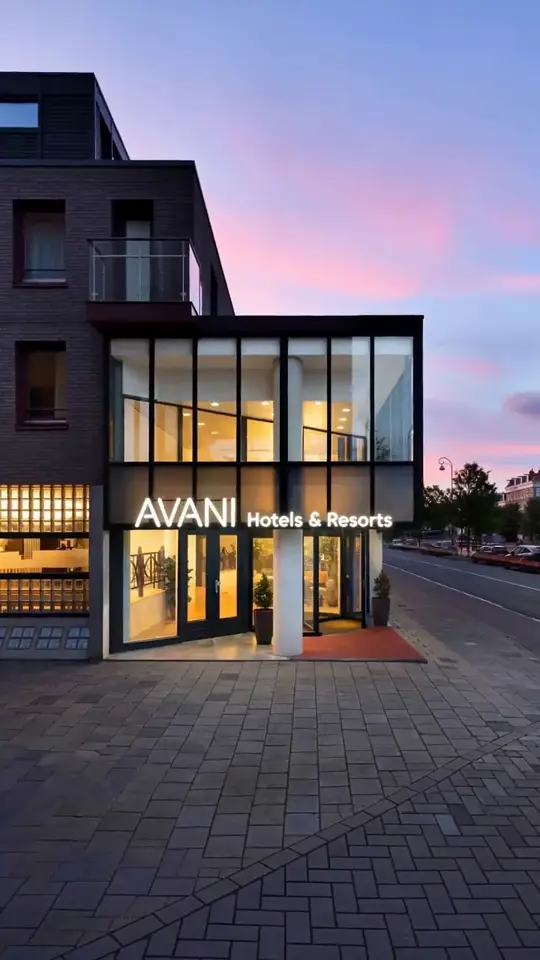
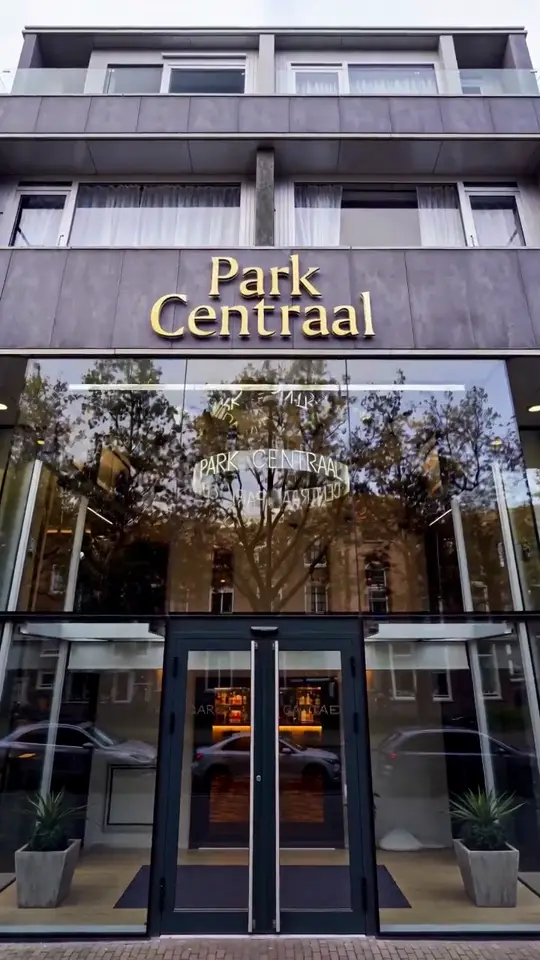
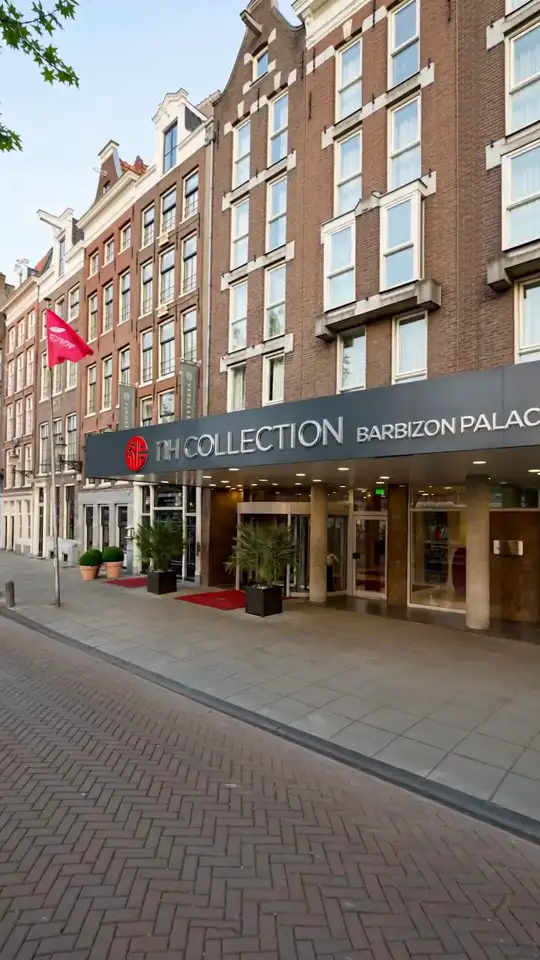
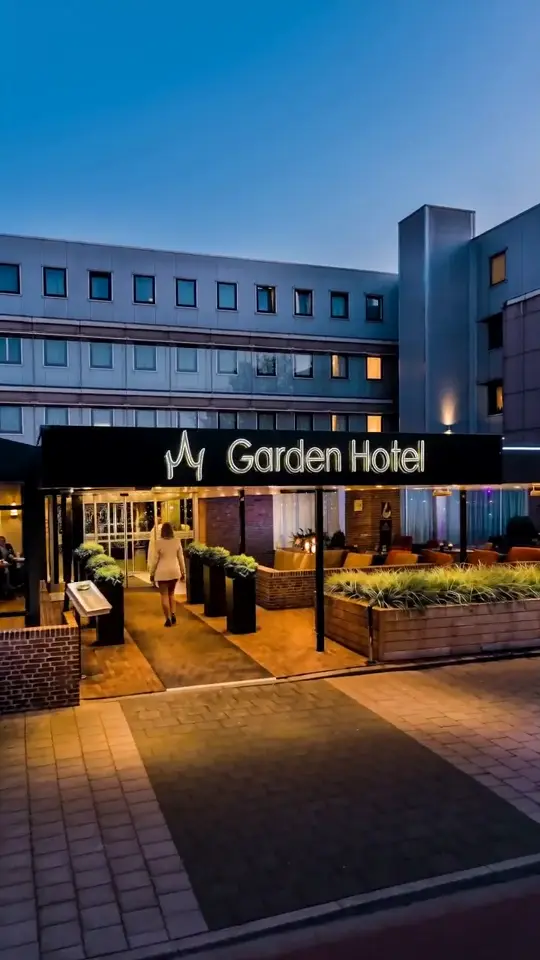
If shooting new footage for every room type isn't realistic on your schedule or budget, this is also where AI-generated video helps: hotelvideo.ai turns the photos you already have into a 15-second vertical clip for $149, delivered in 48 hours after a human review, which is enough to get a hero clip live this month instead of next quarter.
Placement 2: Your Google Business Profile Is Where Guests Double-Check You
Google is the default second stop after an OTA. A traveler who found you on Booking.com will very often type your hotel's name into Google next, both to check reviews and to see what shows up in the knowledge panel and Maps listing. That's your Google Business Profile, and a hotel with video there stands out against the rows of competitors showing only photos.
Google Business Profile videos can run up to 30 seconds and 75MB, at 720p or higher, and typically go live within 24 to 48 hours after review, according to BrightLocal's Google Business Profile guide. Upload your best 20 to 30 second clip there too, ideally the same footage from your hero video, cut to whichever crop Google prefers. For the exact upload steps, see how to add video to your hotel's Google Business Profile.
Placement 3: Email and Pre-Arrival Touchpoints
Once a guest has booked, video still has a job to do: reduce cancellations, support upsells, ease pre-arrival anxiety, and set up a five-star review. A short clip embedded in, or linked from, your booking confirmation and pre-arrival email does more than a paragraph of check-in instructions. Show the entrance so it's recognizable on arrival, the room type they booked, and one or two amenities worth arriving early for.
Practically, most email clients block autoplay video, so don't try to embed the file itself. Use a thumbnail image with a play button overlay that links out to the hosted clip on your website or YouTube. Keep it under 30 seconds so it doesn't feel like homework before a trip. This is also a low-effort spot to reuse footage: the same room-page clips from your website work here without any new editing.
The OTA Gap: Booking.com Can't Show Video, Your Site Can
This is the part hoteliers are often surprised by. Booking.com does not accept video in the property photo gallery at all. Its extranet video upload tool exists only to verify the location of new listings, not to market the property to guests, according to Booking.com's own partner help center. Whatever video you produce, it will never appear on your Booking.com listing.
Expedia is more permissive but still restrictive: one video per property, vertical 9:16 at 1080x1920 or higher, 30fps minimum, 10 to 30 seconds with a 40 second max, no prices or promotions, no still-photo slideshows, and no music or voiceover. Full details are in Expedia's video guidelines, and the submission process is broken down in how to add video to your Booking.com or Expedia listing. Vrbo allows more range: 15 seconds to 2 minutes, 9:16 or 16:9, up to 500MB, per Vrbo's video guidelines.
| Platform | Video allowed | Specs | Notes |
|---|---|---|---|
| Booking.com | No | Not applicable | Photos only in the gallery; video upload is for location verification of new listings, not marketing |
| Expedia | Yes | 9:16, 1080x1920 or higher, 30fps min, 10 to 30 seconds (40s max) | Property-focused only; no prices, no slideshows, no music or voiceover |
| Vrbo | Yes | 9:16 or 16:9, 15 seconds to 2 minutes, up to 500MB | Video tours, more flexible than Expedia |
| Google Business Profile | Yes | Up to 30 seconds, up to 75MB, 720p or higher | Appears after review, usually within 24 to 48 hours |
The pattern holds across every OTA: they either block video outright or box it into a narrow spec built for their app, not your story. Your own website has no such limit. You can run a longer, unrestricted hero video, showcase every room type, and put pricing and offers right next to it, none of which the OTAs allow. That gap is exactly why video on your site converts a cross-shopper who has already seen your OTA listing: it's the first time they're seeing you without someone else's rules attached.
Keep It Fresh: Seasonal Refreshes
Video that's three years old, with an outdated pool deck or last season's lobby furniture, undercuts the transparency and authenticity that make video work in the first place, the same qualities Expedia's research found build the most guest trust. Plan a light refresh two to four times a year: pool and outdoor shots in the season they look best, a lobby update after any renovation, and seasonal decor if that's part of your brand, holiday lighting or summer terrace service, for example.
You don't need a full reshoot each time. Swap two or three clips in your existing hero video, update the Google Business Profile upload with current footage, and rotate a seasonal clip into your pre-arrival email. A hotel that keeps its video current signals it's actively managed and matches what guests will actually see at check-in, which is exactly the confidence gap that gets someone to book direct instead of defaulting back to the OTA.
Frequently asked questions
Does video really increase direct bookings?
Yes, indirectly but measurably. Expedia Group's 2025 study of 7,000 travelers found video influences booking decisions nearly three times more than static photos (71% versus 24%). Video doesn't replace your booking engine, it works at the cross-shopping moment when a guest checks your website after finding you on an OTA, building the trust that tips them toward booking direct instead of going back to Booking.com or Expedia.
Where should video go on a hotel website?
Start with the homepage hero, a 15 to 20 second looping clip of the property and arrival experience. Then add a short clip to each room or suite type page, since that's where a guest who has already chosen your hotel decides which room to book. Both spots get seen by the cross-shopper who just checked your OTA listing and Google reviews.
Should videos include prices or offers?
On your own website, yes, that's one of its advantages over OTA listings. You can place pricing or a seasonal offer right next to the video since there's no platform restriction. On Expedia's listing video specifically, prices and promotions are explicitly not allowed, and Booking.com doesn't show listing video at all, so keep OTA-facing clips property-focused only.
What video works in hotel emails?
Short and simple. Use a thumbnail with a play button that links out to the hosted video on your site or YouTube, since most email clients block autoplay video files. Keep it under 30 seconds, show the entrance so guests recognize it on arrival, and reuse the same clips from your room pages rather than producing anything new for the email.