GuidesHow-to
How to Make a Hotel Video From Photos You Already Have
· 7 min read
Listen to this guide
Yes, you can make a hotel video from photos you already have, without booking a shoot. AI video tools take your existing photography, the same shots on your website or in your photo folder, and add camera-like motion: slow push-ins, gentle parallax, drifting light. You upload the images, the system generates short video clips, and a human editor checks and adjusts each one before it ships. It works well when the source photos are sharp, well-lit, and current. It will not turn a blurry or outdated photo into something it was never meant to be.
What Photos Work Best
The raw material matters more than any setting inside the video tool. Start from the original files on your phone, camera, or photographer's delivery, not a screenshot or a version that has already been resized and compressed for your website. Compression throws away exactly the detail that motion effects need to push in, pan, or crop without the image turning soft or blocky. If you are not sure which version is the original, check the file size: a crisp source photo straight from a modern phone or camera is a noticeably large file, while a web-optimized copy has already been compressed down to something much smaller.
Orientation matters too, though less than people assume. A wide, landscape photo of your lobby or facade works well for a website film or a widescreen clip, but if you also want vertical clips for Instagram, TikTok, or Expedia's listing video slot, it helps to have some photos composed with the main subject near the center of the frame. A full-width shot cropped tight to 9:16 can lose the edges of the room, while a photo taken straight on to a bed, a pool, or a facade crops cleanly either way. You do not need to reshoot anything specifically for vertical, just keep this in mind the next time you or your team photographs a space.
Which spaces to prioritize: the exterior or facade, since it's the first impression, the lobby or reception, your best one or two room categories with the bed made and surfaces clear, the pool or outdoor deck if you have one, the restaurant or bar, and any view from a room or rooftop that sets you apart. Bathrooms are worth including only if they've been renovated recently and photograph well. A property with strong daylight photography of its rooms and a couple of clean shots of the grounds is a better starting point than a property with hundreds of photos taken on different days in different light, since consistent lighting across your source images keeps the finished clips from feeling mismatched when they run back to back in an ad set or on a listing page. If you're staring at a folder of hundreds of photos, pull the ones that already work as a standalone image before worrying about video at all: a photo that looks flat or cluttered on its own won't look better once it's moving. When you're ready, start with the photos you already have and let the system tell you what else might help.
Step by Step: How a Hotel Video From Photos Comes Together
- Gather everything. Pull photos from your phone, your photographer's delivery, your property management system, and your marketing folder. More raw material means more variety in the final clips, even if not everything you gather ends up in the final set.
- Select the strongest ones. Choose photos that already read well as still images: good light, no motion blur, nothing blocking the main subject. Aim for a mix of wide establishing shots and closer detail shots of the same space.
- Upload and generate. You send the photos in, and the system builds short clips with camera-style motion around each one, no travel, lighting setup, or day rate to schedule. That's also a big part of what it costs compared with a traditional video shoot.
- Human review. A person checks every generated clip before it goes out, correcting an odd crop or an unnatural pan before you ever see it. This step is what keeps AI-generated video from looking like AI-generated video.
- Deliver and publish. You get finished files sized for the places you'll actually use them, a vertical clip for Expedia or social, a widescreen film for your website. Once the files come back, keep the originals organized by space and season so you can swap in a fresh clip later without starting the whole selection process over.
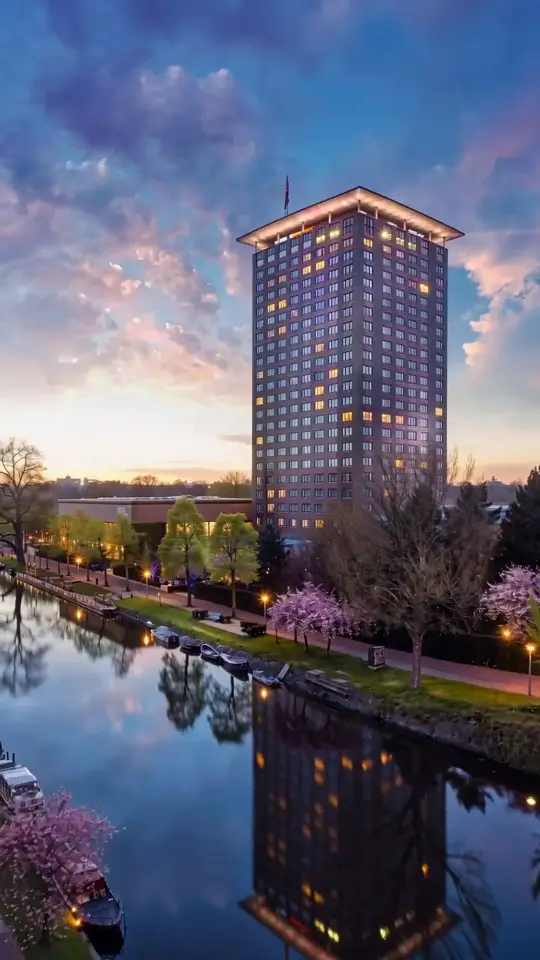
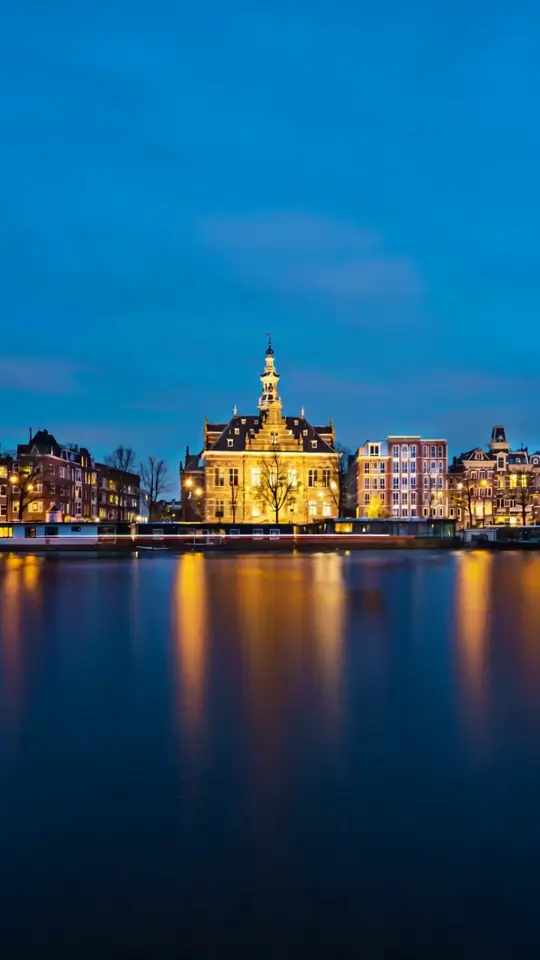
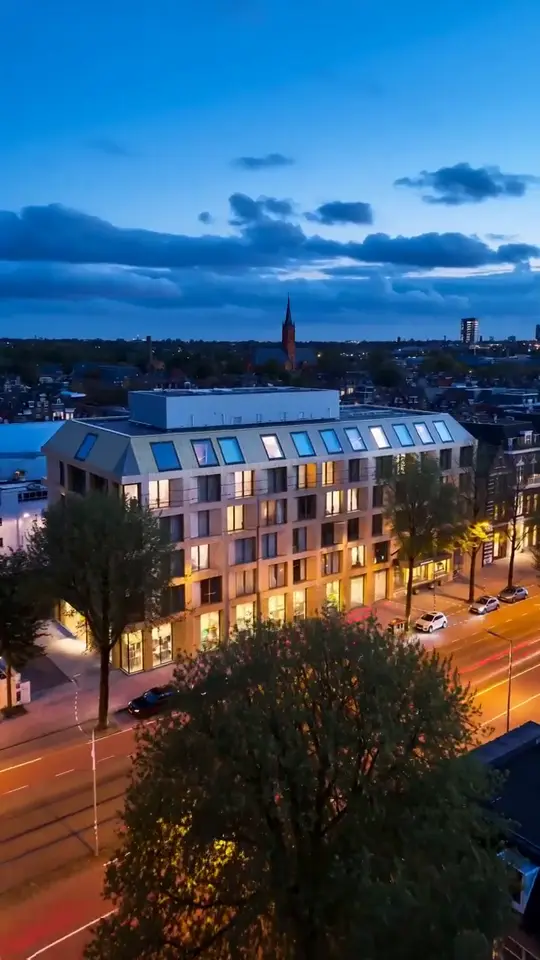
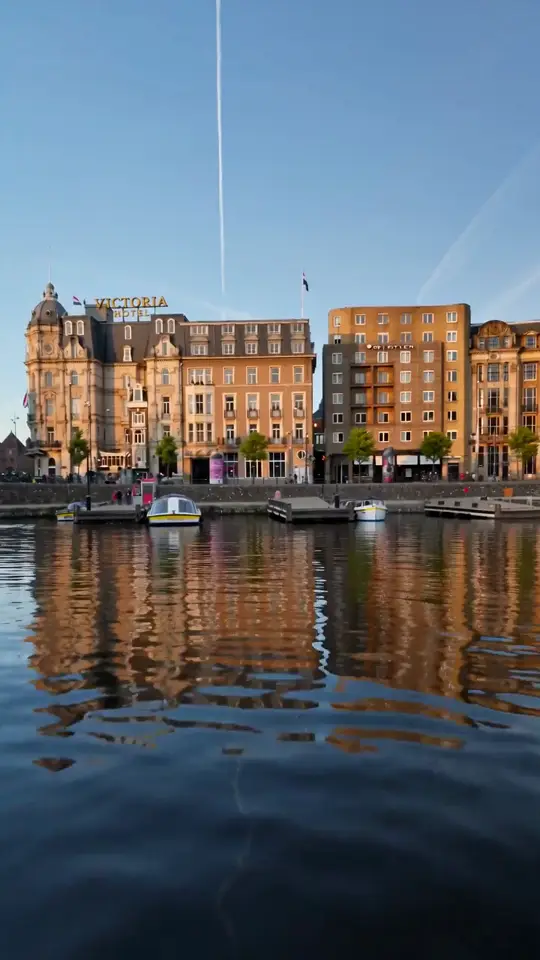
Seeing it done helps more than reading about it. Here are a few clips built this way for hotels in Amsterdam, along with more examples made this way.
What Motion Gets Added, and Why It Feels Cinematic
The motion added to a still photo is deliberately restrained. A slow push-in draws the eye toward the center of a room the way a person walking through it would. Parallax separates the foreground and background, a chandelier or a plant in front, the room behind, so they drift at slightly different speeds and the flat photo gains a sense of depth. Light can be given a subtle drift, a curtain, a reflection off a pool. None of this replaces footage of something actually happening, like a bartender pouring a drink. It's closer to what a very good real estate video does with a photo: it doesn't add action, it adds presence.
That presence matters because video and photos aren't judged the same way by travelers. In Expedia Group's 2025 Science of Wanderlust study of 7,000 travelers, 71% said video influenced their booking decisions, compared with 24% for static photos alone, and the tones travelers said built the most trust were transparency, clarity, and authenticity, not polish. That's worth keeping in mind when you pick a video style: motion that looks like a believable camera move earns more trust than motion that looks like an effect.
What Photos Cannot Become
Motion can't invent a space that was never photographed. If nobody photographed the rooftop bar, no amount of camera movement produces a rooftop bar. The same goes for renovations: a photo of last year's lobby can't become a video of this year's redesign, so if you renovated recently, plan to reshoot the changed spaces even if everything else comes from your existing library. If you shoot aerials, drone footage, or anything requiring a pilot and a permit, that stays a separate line item from photo-to-video work too, since a still photo can't be turned into an aerial shot no matter how much motion is added to it.
It also can't fix a fundamentally bad photo. A dark, blurry, or heavily cluttered image will produce a dark, blurry, or cluttered video, motion doesn't add light or sharpness that wasn't captured in the first place. And it can't fabricate people doing things: a guest checking in, a chef plating a dish, a couple at breakfast. Adding believable human action to a static photo is a different problem than adding camera movement, and treating it as the same thing is where AI video tends to look uncanny. If your marketing depends on showing staff or guests in motion, that's still a job for an actual video shoot, not a photo-to-video tool.
A Photo Checklist Before You Start
- Shoot from the original file, not a screenshot or a version already resized for your website.
- No date stamps, watermarks, or filters baked into the image.
- Current decor. If a room has been repainted or refurnished since the photo was taken, leave it out.
- Clear surfaces. Made beds, empty counters, no cleaning carts or personal items in frame.
- Centered subjects where possible, so the photo can be cropped to vertical without losing the point of the shot.
- Coverage of your key spaces: exterior, lobby, one or two hero rooms, and whatever amenity actually sells your property, pool, view, bar, or breakfast room.
- At least a few options per space, not just one shot, so there's room to pick the strongest angle.
Frequently asked questions
How many photos do I need for a hotel video?
There's no strict minimum. A single strong photo can become one short clip. But if you want a fuller set, several vertical clips plus a widescreen film, plan on covering more ground: your exterior, lobby, one or two hero rooms, and a standout amenity like a pool or view. As a rule of thumb, a handful of strong photos per space gives an editor room to pick the best angle and vary the pacing across clips.
What resolution do the photos need?
Higher resolution is better, and the original file always beats a resized one. Avoid screenshots or images already pulled off your own website, since those are typically compressed for fast loading and lose detail. A photo straight from a modern phone or camera is almost always sharp enough. If you're unsure, check the file size: a noticeably small file has likely already been compressed down for the web and will look softer once it's cropped or zoomed.
Can old photos still work?
It depends on what changed, not how old the photo is. If the room, lobby, or facade looks the same today as it did when the photo was taken, an older photo can still work fine as long as it's sharp and well lit. If you've renovated, replaced furniture, or repainted since then, skip it: a video built from an outdated photo shows guests a room that no longer exists, which causes more problems than having no video at all.
How long does photo-to-video take?
With AI-assisted tools, turnaround is measured in days rather than the weeks a traditional shoot usually takes once you account for scheduling a crew, filming on-site, and editing afterward. At hotelvideo.ai specifically, delivery is 48 hours from upload to finished file, and every clip is checked by a human editor before it ships. That's fast enough to turn around a batch of photos the same week you decide you need video.