GuidesHow-to
Hotel Room Tour Video: How to Make Rooms Sell Themselves
· 6 min read
Listen to this guide
A hotel room tour video works best short: 15 to 30 seconds per room type, built around one hero moment instead of a full walkthrough. Guests scan a listing in seconds, so the video needs to hit fast: one shot of the layout, then straight to the bed, the light, and whatever makes that room type worth booking. Film each room type once, not every individual room, lead with your strongest visual, and cut before it drags. That’s the formula behind a room tour video that gets watched through and moves someone toward booking.
The shot order that works for a hotel room tour video
Expedia Group’s 2025 travel study of 7,000 travelers found video influences booking decisions almost three times more than static photos, with 71% of travelers saying video swayed their decisions versus 24% for photos. The tones that built the most trust in that study were transparency, clarity and confidence, and authenticity, not polish. That’s the whole case for a hotel room tour video: not to look cinematic, but to let the room speak for itself, honestly, in roughly the order a guest would actually experience it walking in the door.
- Open on layout. One static wide shot from the doorway that shows how the bed, window, and workspace relate to each other. This is the shot that answers what am I actually getting, and it should run first every time, before anything prettier gets a turn.
- Go straight to the bed. This is the hero moment of the whole clip, made, styled, and shot from a height that reads like a person standing in the room, not a drone looking down on it.
- Show light and the view. Curtains open, natural light in the frame, and if there’s a view worth anything, hold on it for a beat instead of panning past it.
- One clean bathroom shot. A single angle, whichever is nicer between the vanity and the shower. Skip the toilet entirely, it adds nothing and it’s the fastest way to make a nice bathroom feel clinical.
- Close on one detail. Pick the one thing that makes this room type worth the upgrade: a soaking tub, a balcony, a reading nook, an espresso machine, a skyline slice through the window. One thing, not a montage of everything the room has.
Keep the whole sequence to 15 to 30 seconds per room type. Longer cuts don’t perform better on OTAs or your own room pages, they just lose people partway through. Our guide on how long a hotel video should be walks through pacing by room count and by platform if you want the full breakdown before you plan a shoot list.
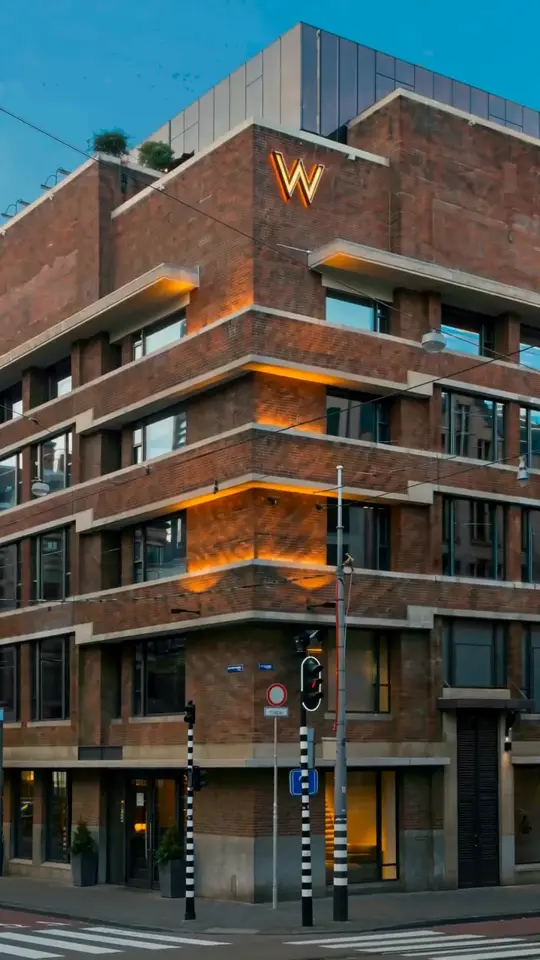
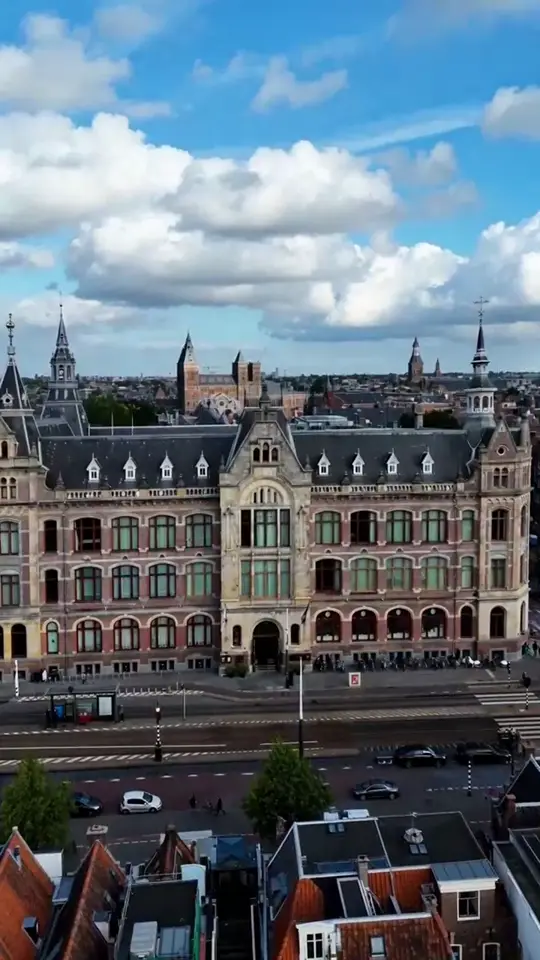
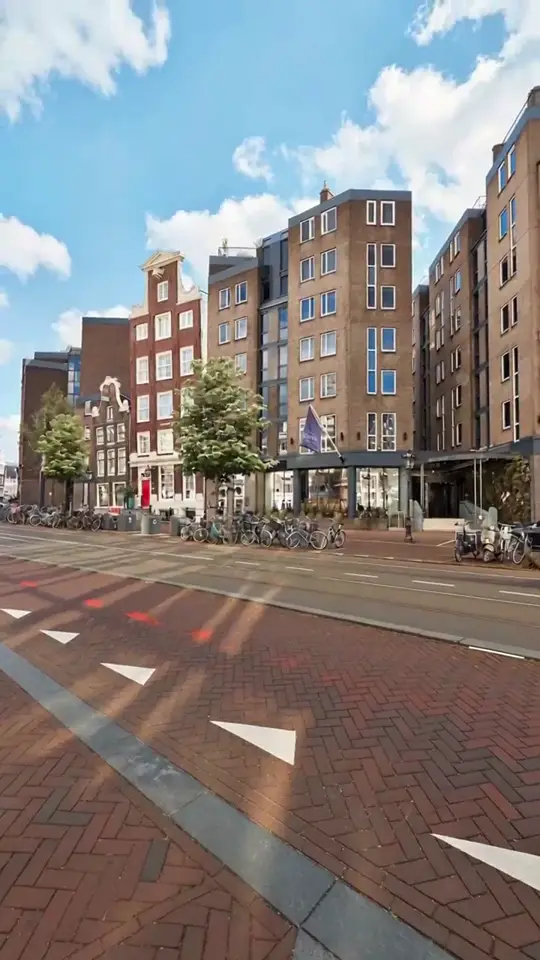
Here’s what that shot order looks like when a few Amsterdam properties ran it end to end, room type by room type. Notice the room still looks its actual size in every clip, the light matches what a guest would see walking in that same afternoon, and each clip ends on the one feature that room type is actually booked for.
A few mistakes that make room tours feel cheap
A few mistakes account for most room tours that feel cheap or, worse, dishonest.
- Ultra-wide lenses that lie. A wide-angle action cam lens can make a compact room look noticeably bigger than it actually is, and it’s the fastest way to generate a disappointed guest at check-in and a review that mentions the video specifically. Shoot closer to a natural focal length and let the room be its real size on screen.
- Clutter left in frame. Room service trays, loose cables, an open suitcase, a “do not disturb” hanger still on the door handle. None of it reads as lived-in, it just reads as unstyled. Walk the room once before you shoot and clear it.
- Slow, shaky handheld pans. A drifting handheld pan is the clearest tell of an amateur shoot, even when the room itself looks great. Static shots held for a beat, then a hard cut to the next one, read as more confident and more premium than any pan ever will.
- Ignoring the platform’s actual spec. Expedia’s listing video guidelines require vertical 9:16 at 1080x1920 or higher, at least 30 frames per second, 10 to 30 seconds long with a 40 second hard cap, no music, no voiceover, and no still-photo slideshows dressed up as video. A room tour that breaks any of those either gets rejected outright or never gets surfaced to travelers.
Room tours from photos: when you can’t block a room for a shoot
Most hotels can’t pull a room out of inventory for a half-day shoot, especially the room types that sell hardest during peak season. That’s the real reason so many room tours end up half-finished or years out of date: the housekeeping calendar and the videographer’s calendar never line up cleanly. A 120-room property with six room categories only needs six clips, not sixty, which is exactly why the room-type approach from the shot order above matters as much for scheduling as it does for guests watching later.
The practical fix is building the room tour from photos you already have on file, whether they’re from your last professional shoot or a well-lit phone pass done last weekend. Turning stills into video keeps the same shot order intact (layout, bed, light, bathroom, detail) without touching the room’s schedule at all, and it works from a handful of well-lit photos per room type, as long as they cover the right angles. We wrote a full walkthrough of exactly what that process needs in our guide to turning a hotel photo shoot into video, including what makes a photo usable versus what forces a reshoot.
hotelvideo.ai runs this exact workflow day to day: hoteliers send the photos they already have, a human reviews every clip before it’s delivered, and a single 15-second vertical room clip is ready in 48 hours for $149, no shoot and no room block required.
Where to publish your hotel room tour video
Room pages, OTAs, and pre-arrival emails each expect something slightly different from a room tour, so the same clip rarely works everywhere unchanged.
| Platform | Aspect ratio | Length | Notes |
|---|---|---|---|
| Room page | Vertical or 16:9 | 15 to 30 seconds per room type | Autoplay muted on loop above the fold |
| Expedia | Vertical 9:16, 1080x1920 or higher | 10 to 30 seconds, 40 second cap | One video per property, no music, no voiceover, no prices |
| Booking.com | Not applicable | Not applicable | Gallery is photos only, video upload is for location verification of new listings only |
| Pre-arrival email | Vertical preferred | Short, matching your room page clip | Match the exact room category the guest booked |
Skip Booking.com’s gallery entirely for room tours. Its property gallery only accepts photos; the extranet video upload exists solely to verify a new listing’s location, not to showcase rooms to guests browsing the site, so a room clip has nowhere to go there.
In pre-arrival emails, a short clip of the exact category the guest booked builds anticipation and quietly supports an upsell to a better room type before arrival, since they can already see what the upgrade actually looks like.
If you’d rather see it than plan it, you can start an order for a single room clip built from your own photos and review a draft before committing to a full set.
Frequently asked questions
How long should a hotel room tour video be?
Aim for 15 to 30 seconds per room type. That's enough time for one establishing shot of the layout, the bed, the light or view, a quick bathroom shot, and one distinctive detail, without dragging into a slideshow. Expedia caps listing videos at 40 seconds and favors the 10 to 30 second range, so shorter reads as more professional on almost every platform you'll publish to.
Should every room type get its own video?
Yes, but at the room type level, not per individual room. A hotel with five room categories needs five short clips, one per category, not fifty individual room tours. Guests are booking a category, not a specific room number, so one well-shot representative room per type covers what they actually need to decide, and it keeps the shoot list realistic.
Vertical or horizontal for room tours?
Shoot vertical 9:16 as your primary format. It's required for Expedia's listing videos, it's the native shape for Instagram and TikTok, and it fills a phone screen the way most guests are actually browsing. Keep a 16:9 crop or a separate horizontal cut for your own website hero sections and pre-arrival emails opened on a laptop.
What should a room tour show first?
Start with one static wide shot from the doorway that shows the whole layout: how the bed, window, and desk sit relative to each other. That single shot answers the question guests actually have before anything else, which is what room am I getting. Only after that should the video cut to the bed, then light, then bathroom, then one standout detail.